Your life is dynamic, so your schedule should be too.
You say what needs doing, how long it takes and by when. Tourmaline works out when you do it, and plans again whenever something changes.
1 / 9
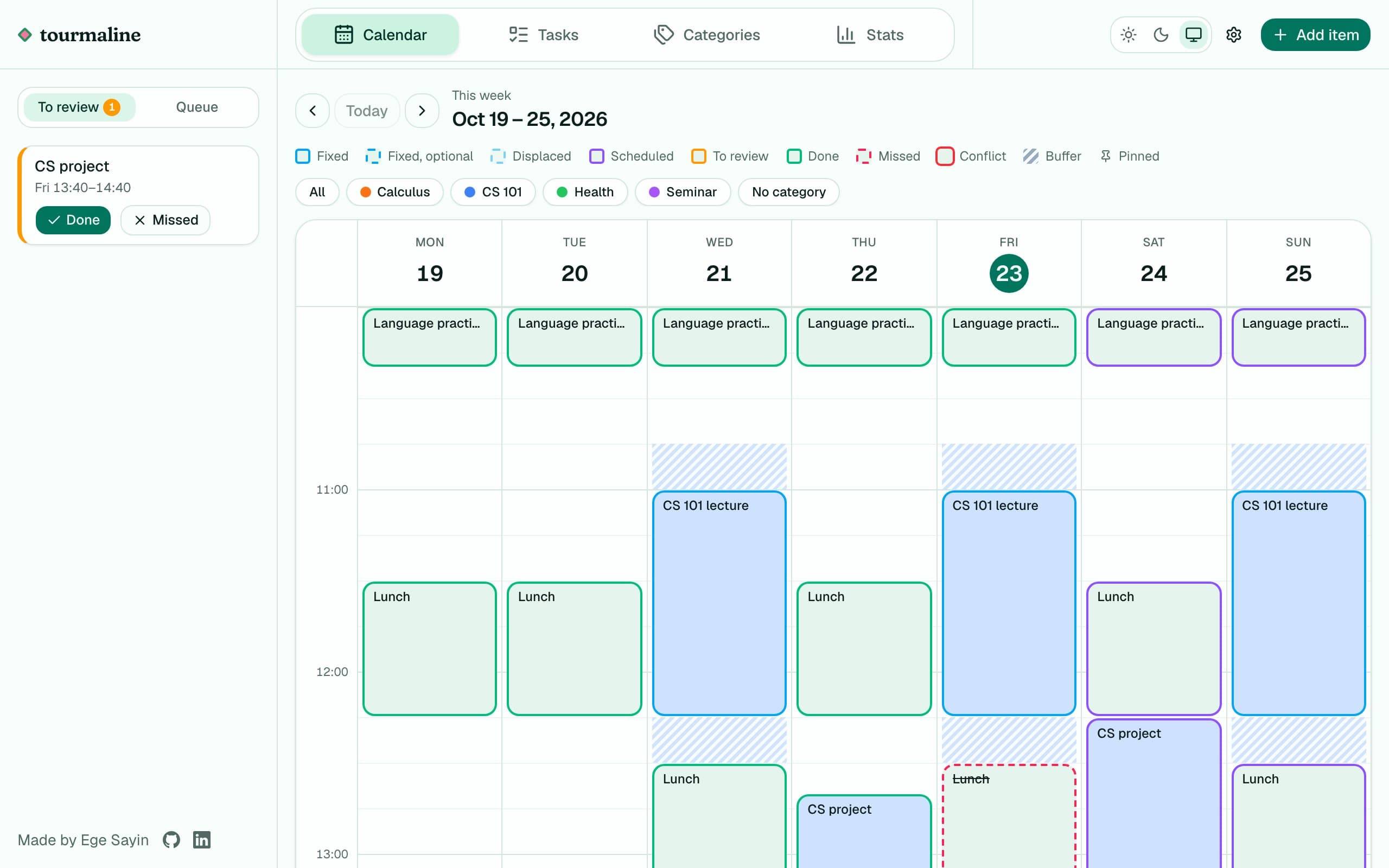
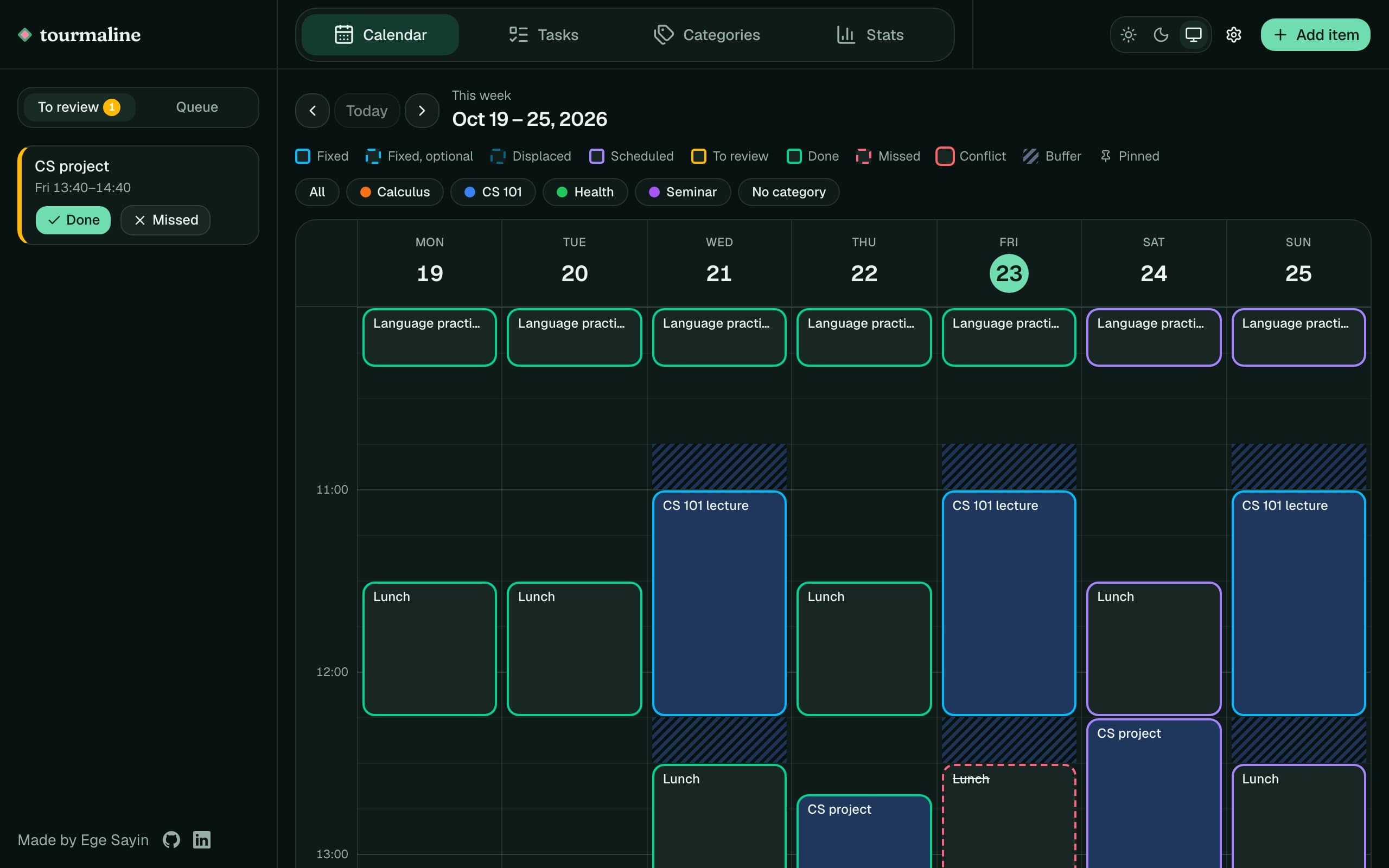
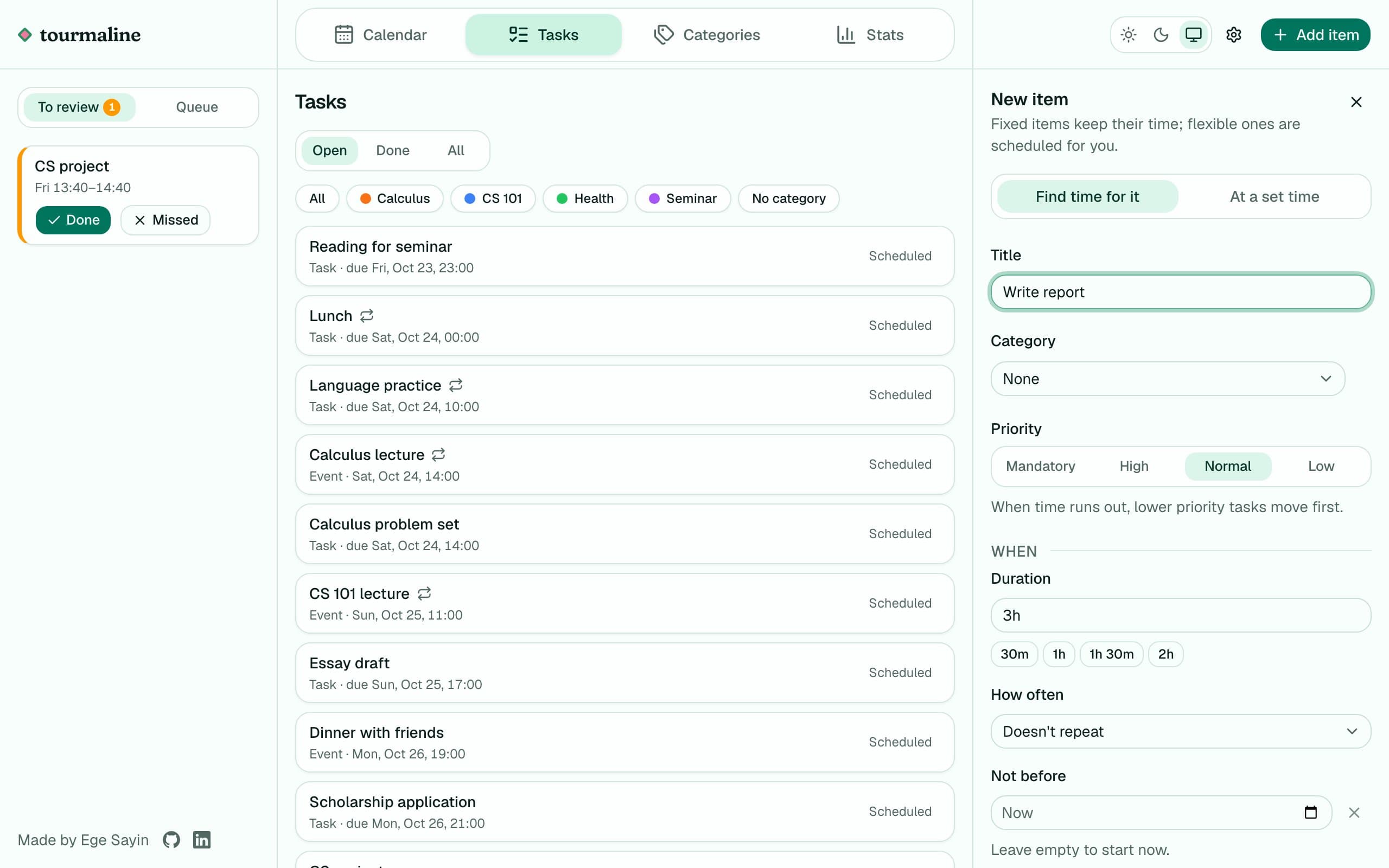
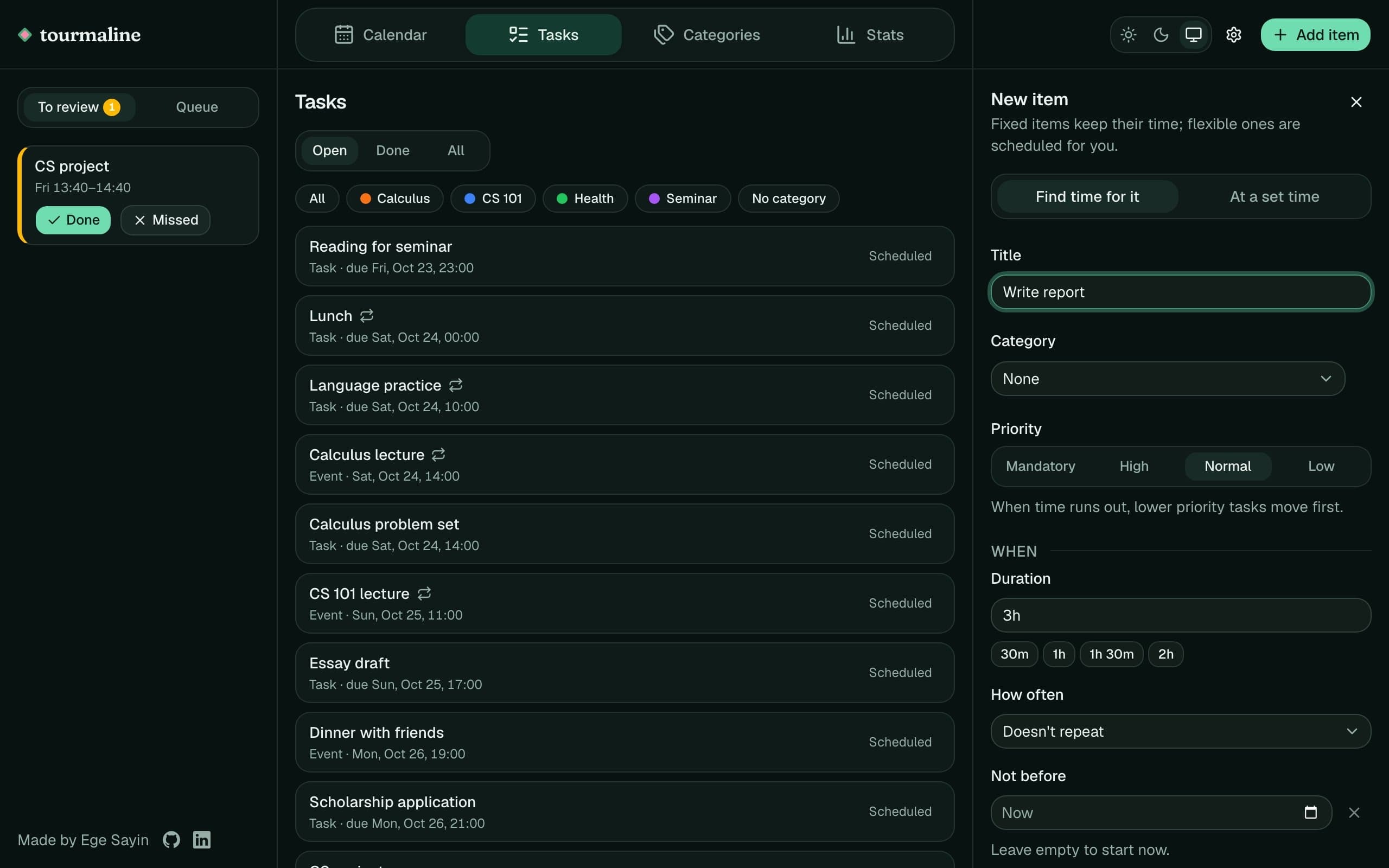
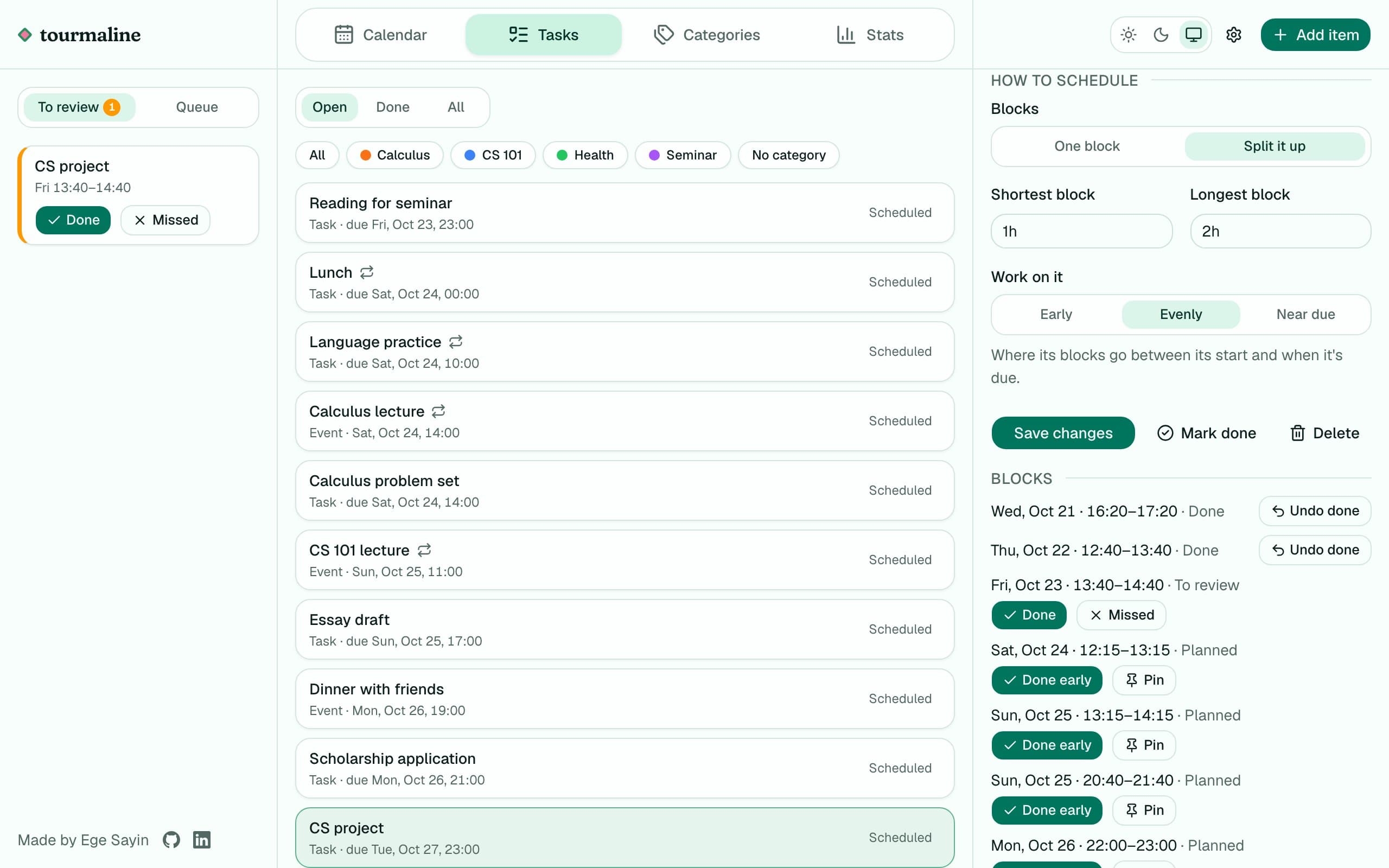
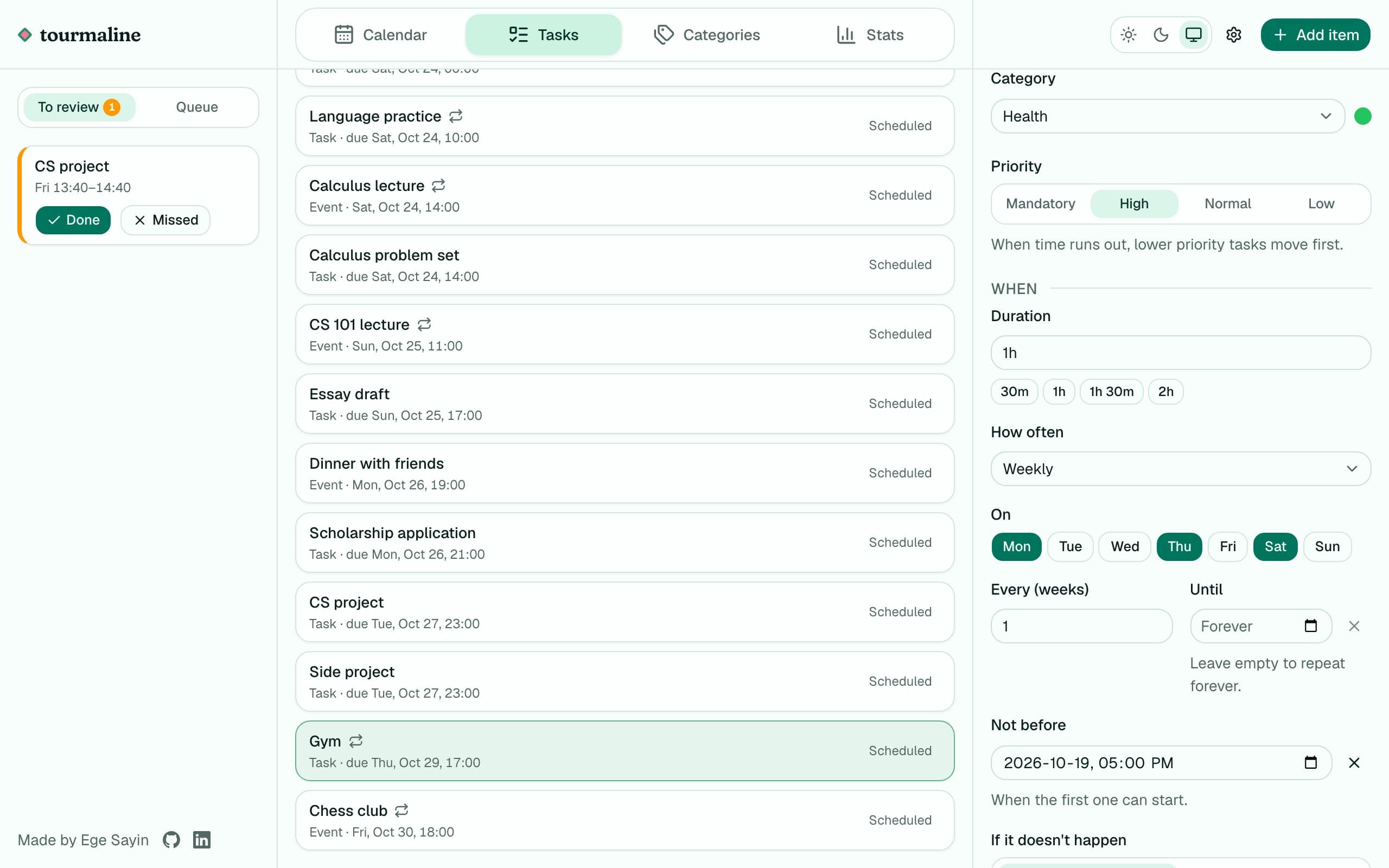
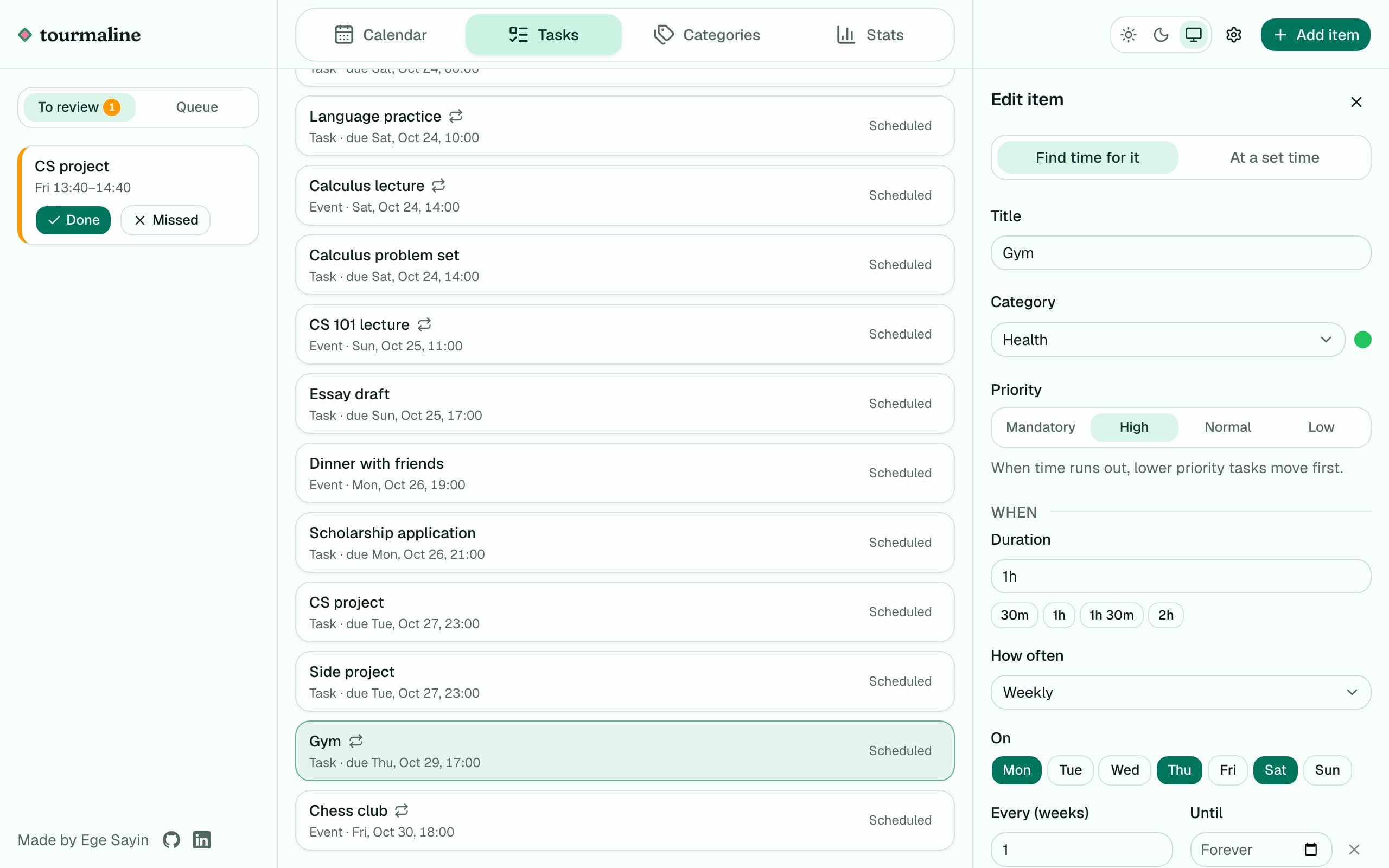
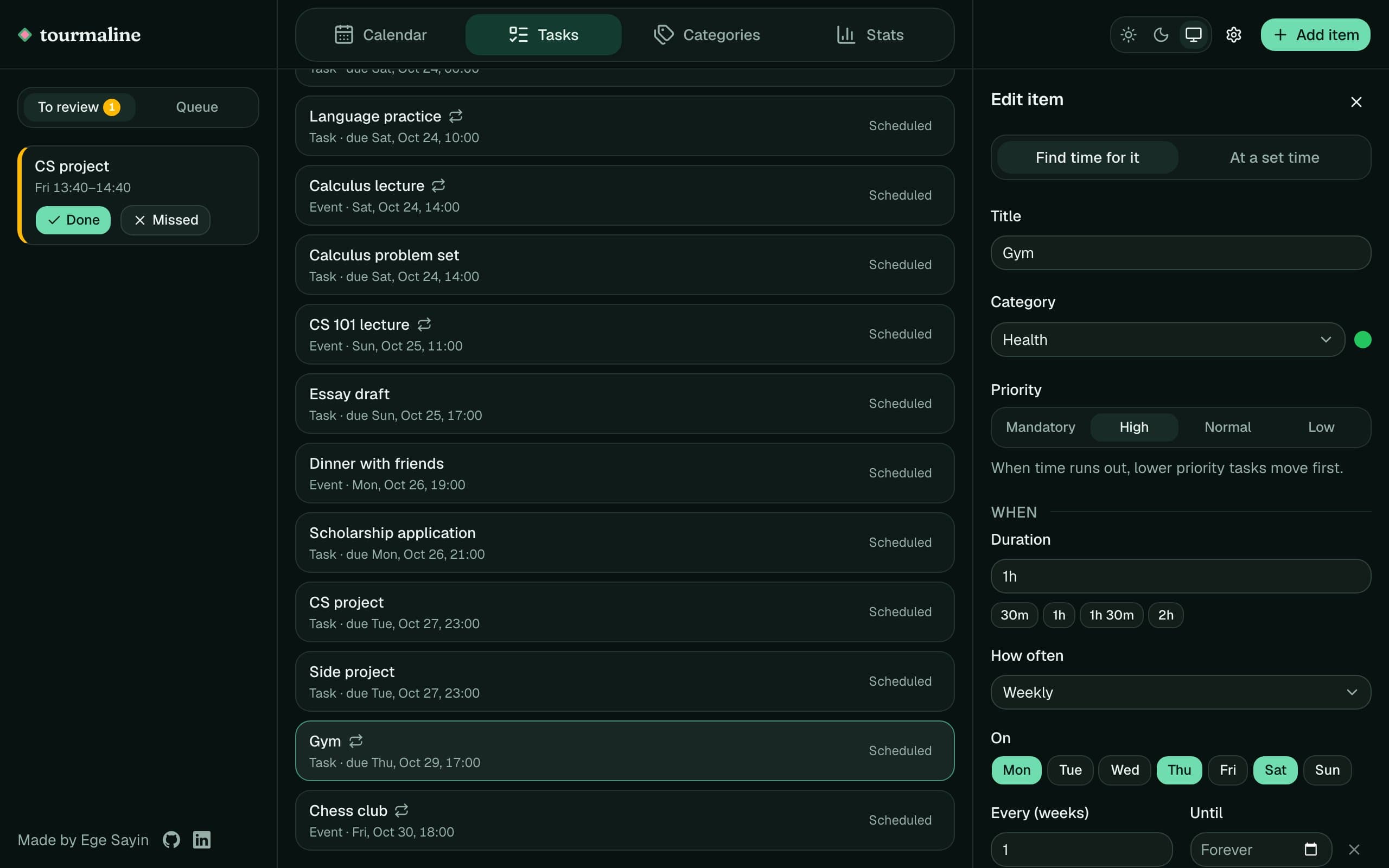
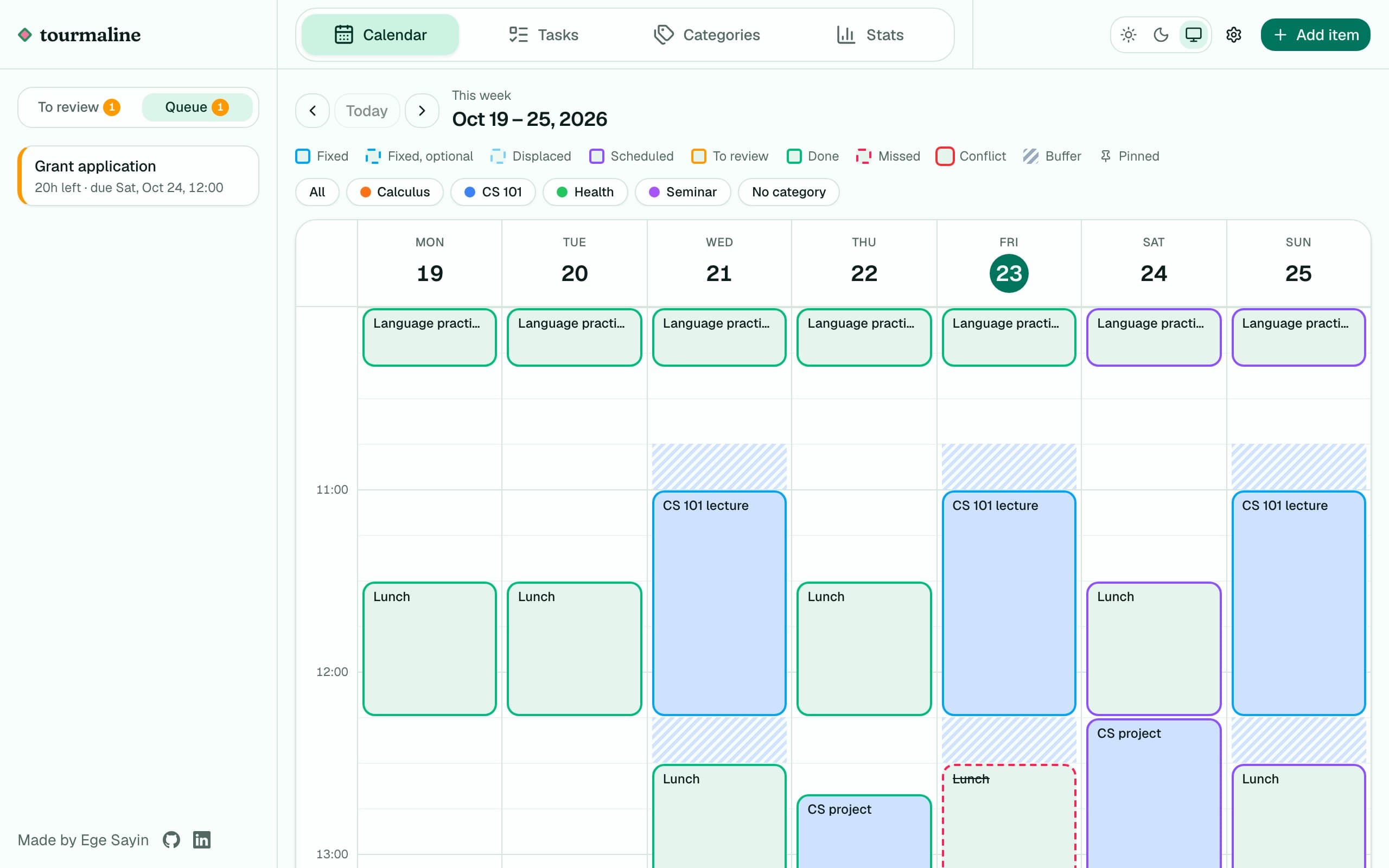
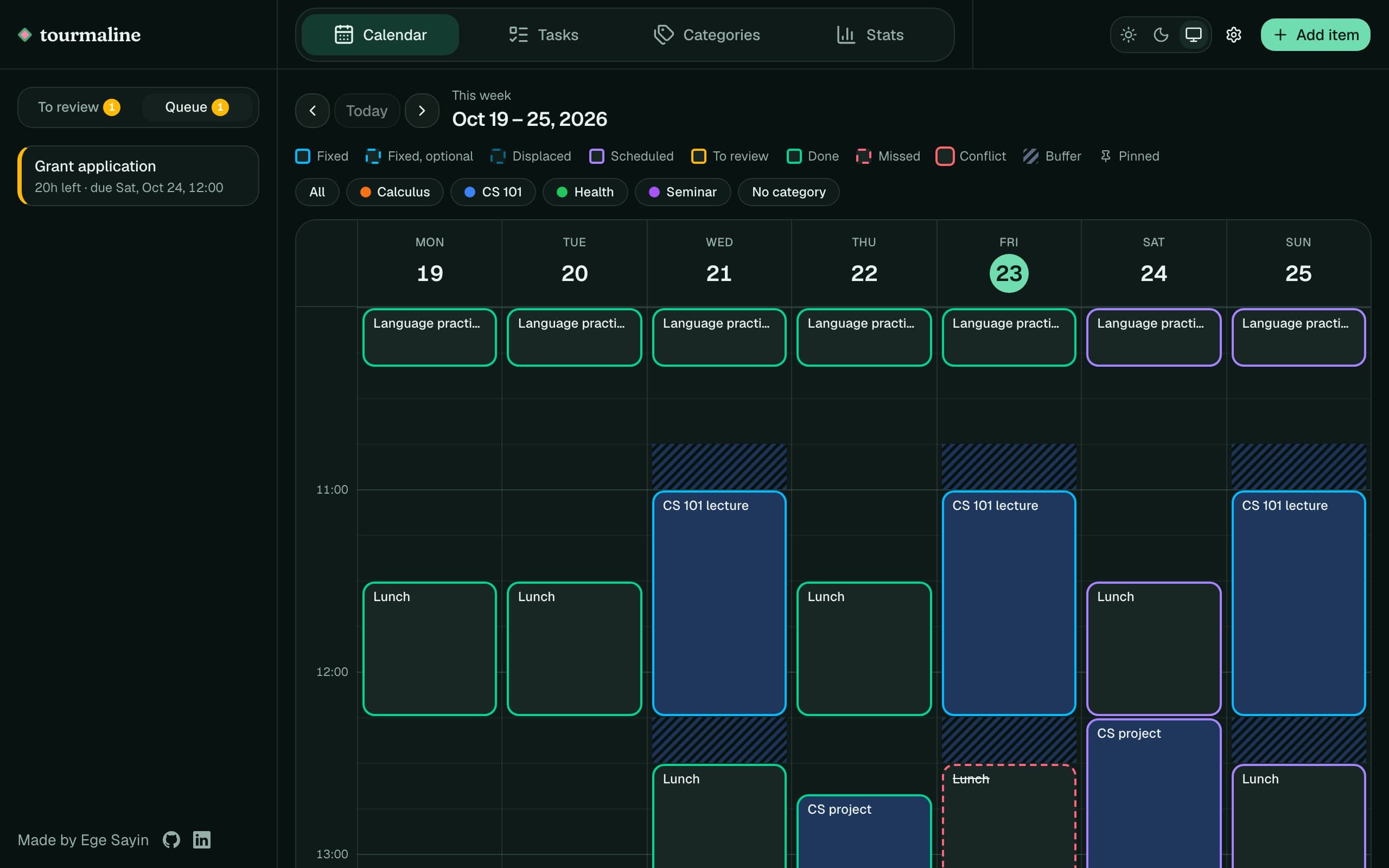
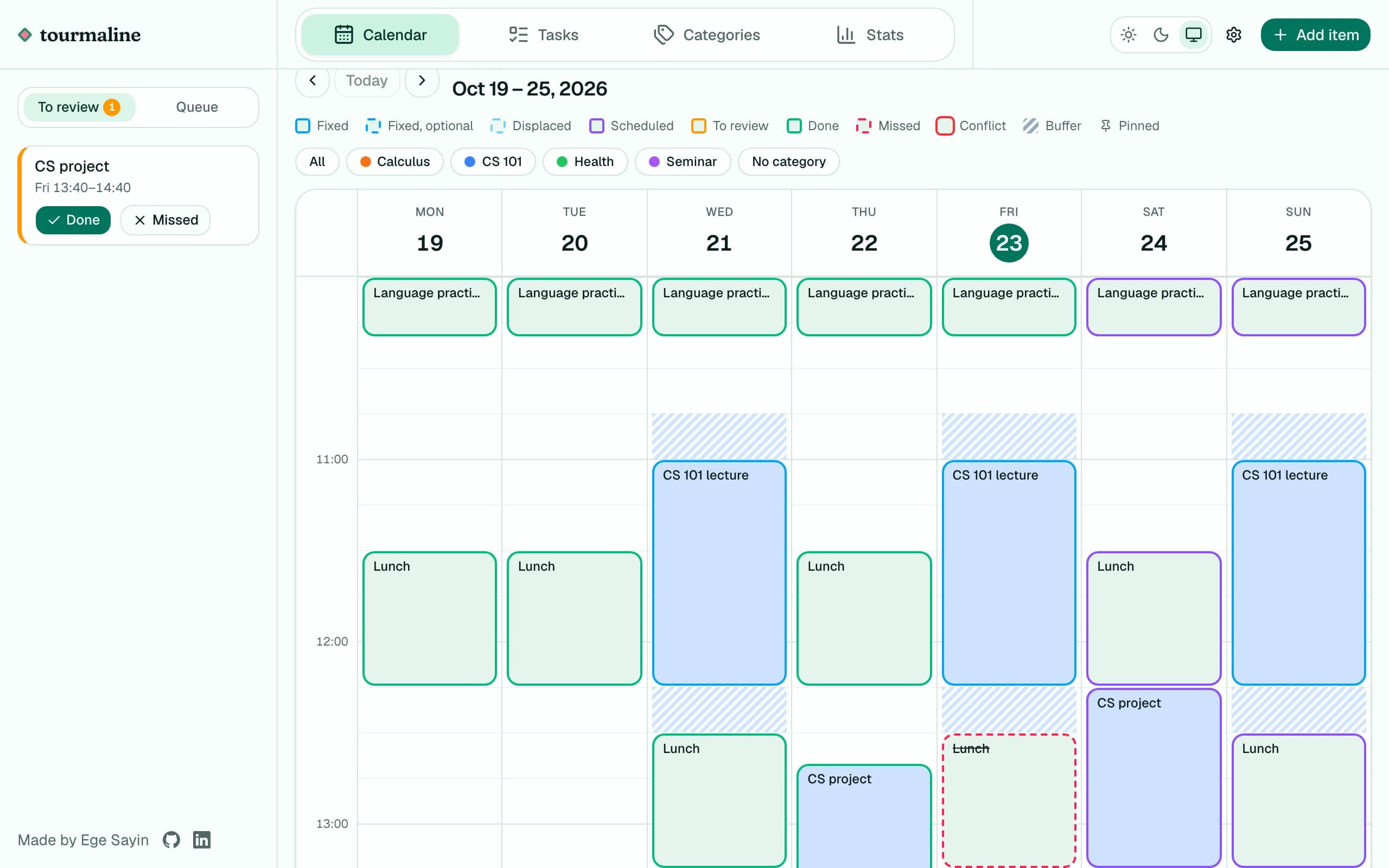
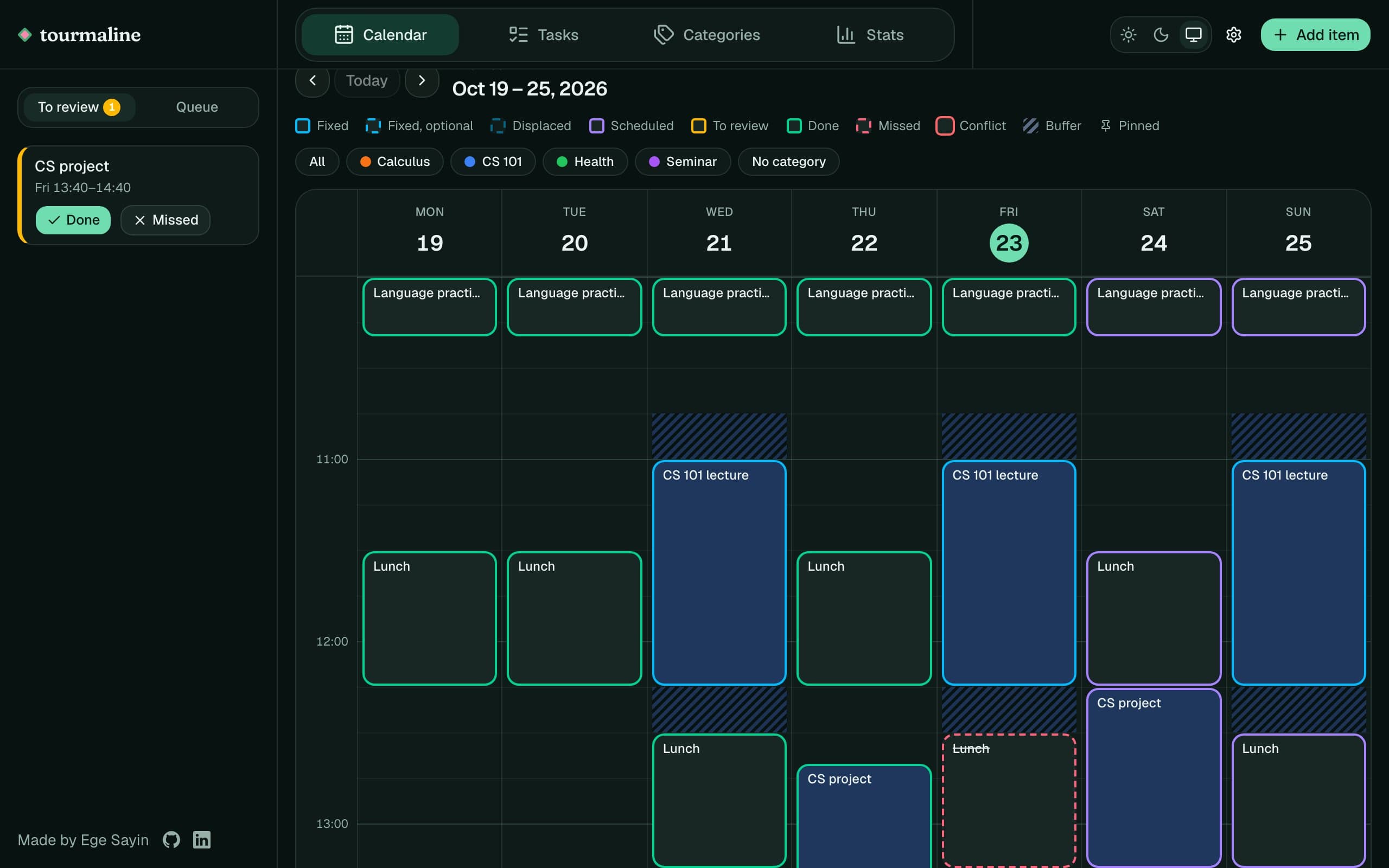
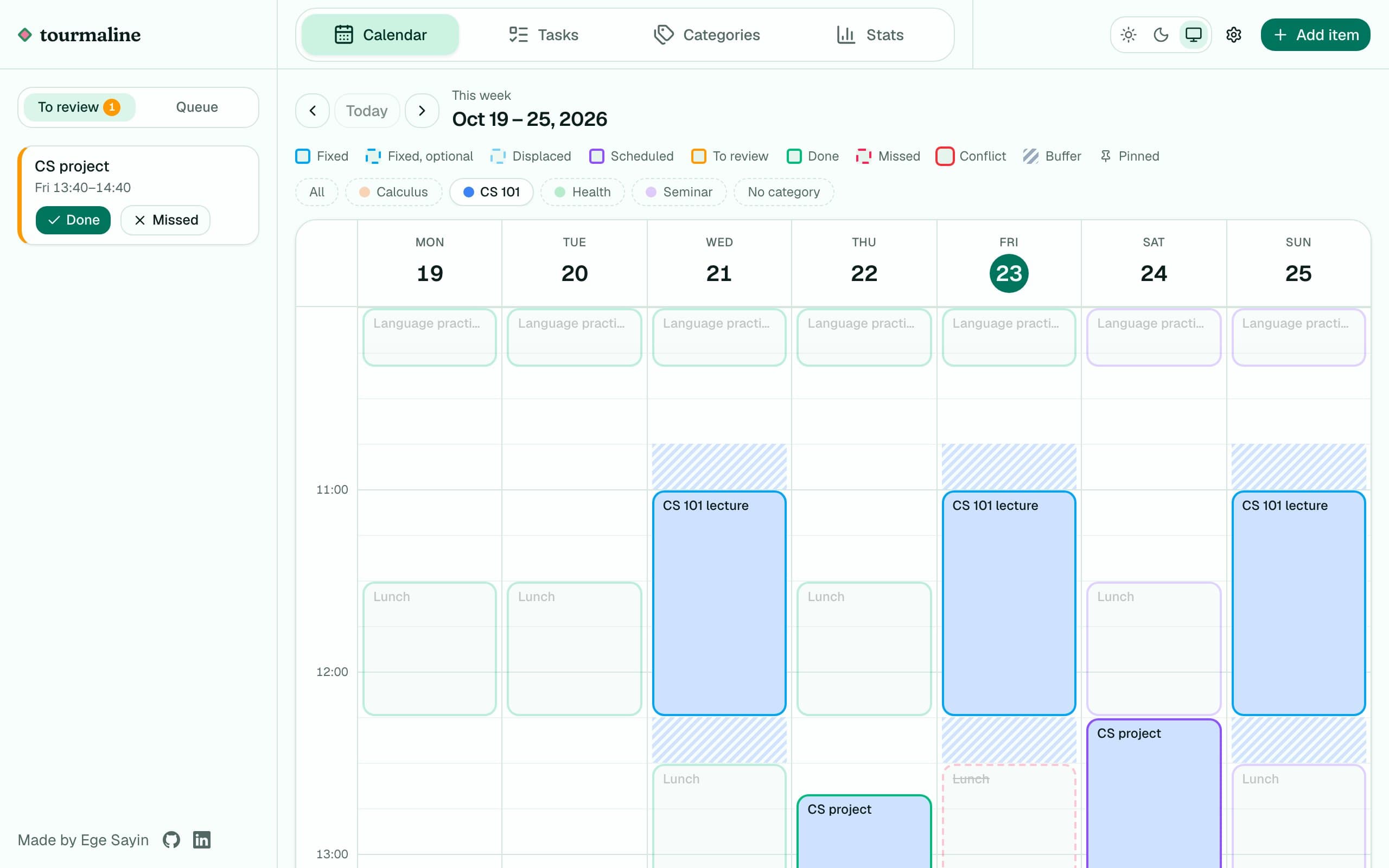
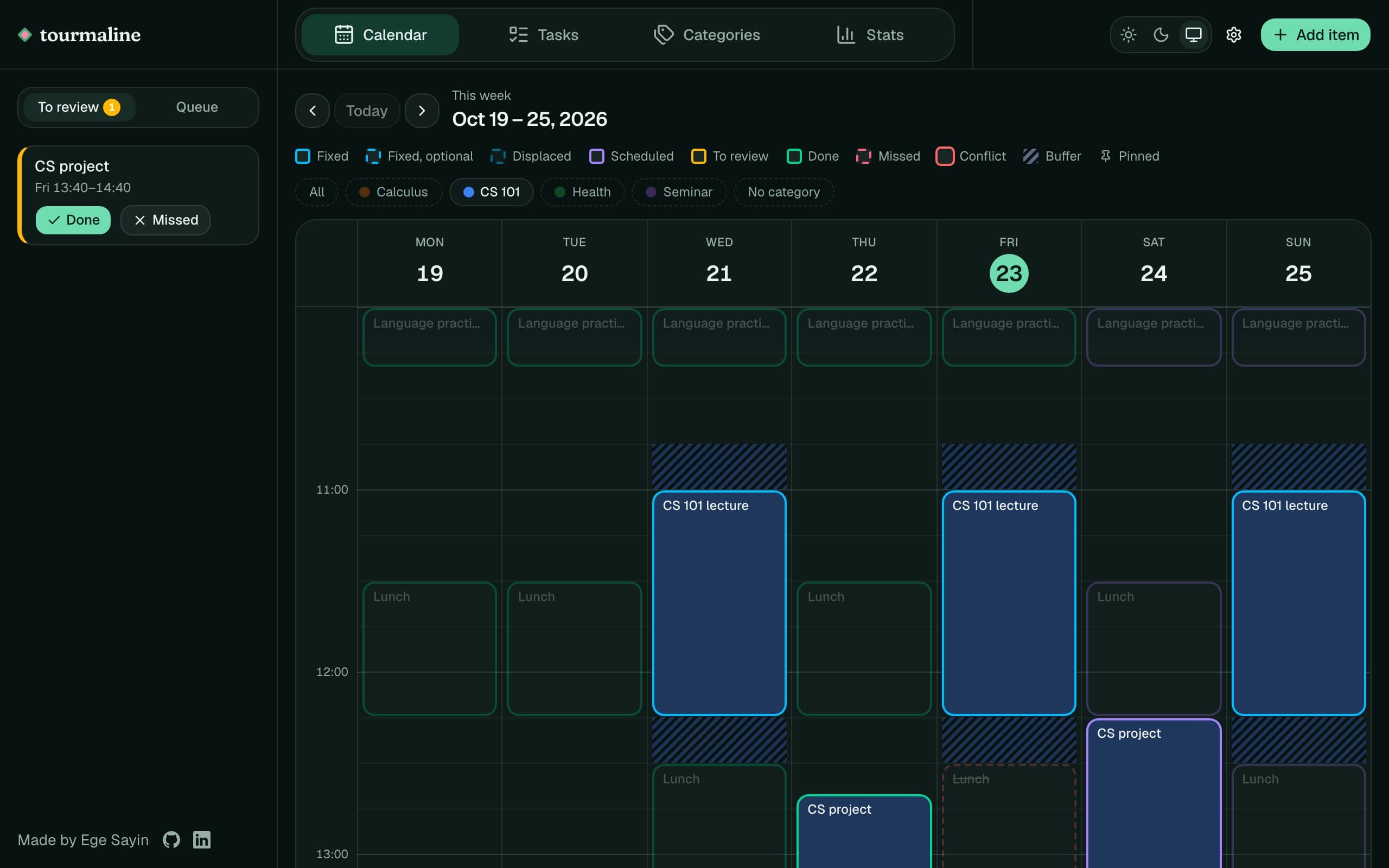
How it works
Say you have a report to write. It's about three hours of work, and it's due Friday.
- 1
You add it once. Give it a name, the three hours and the Friday deadline. You don't pick a time: Tourmaline finds three free hours before Friday, around your meetings and outside the hours you keep free, and puts the report there.
- 2
Your week changes, and the plan follows. A meeting gets booked over that time. The report moves by itself to other free hours that still come before Friday. You don't reschedule anything.
- 3
You find out early when it won't fit. If the week fills up and there's no longer room for everything before its deadline, the least important task comes off the calendar and waits in a queue. You see that days ahead, not on Friday night.
Why I built it
Growing up, “have a planner” was the one suggestion I always heard. However, planners never worked for me, as I found it hard to decide what I would do the next week. What if something comes up? What if I don't feel like it? It was even more painful when I couldn't follow my plan, as then I not only had to plan my next week, but also find slots for the things I couldn't do before. These reasons pushed me away from having a planner, but I also understand the value of one. Thus, I wanted to build a planner that works for me, and hopefully for others as well. I built it around the idea that it should be the scheduler that handles the thinking, not me. I should just provide my fixed schedule and the tasks I have, and it should build the most optimal schedule around my preferences.